Features
History in every format
Keeps what you copy in its own format: not just text, but images, file lists, HTML and more. Choose how many to keep and how to treat duplicates.
Call it up and paste
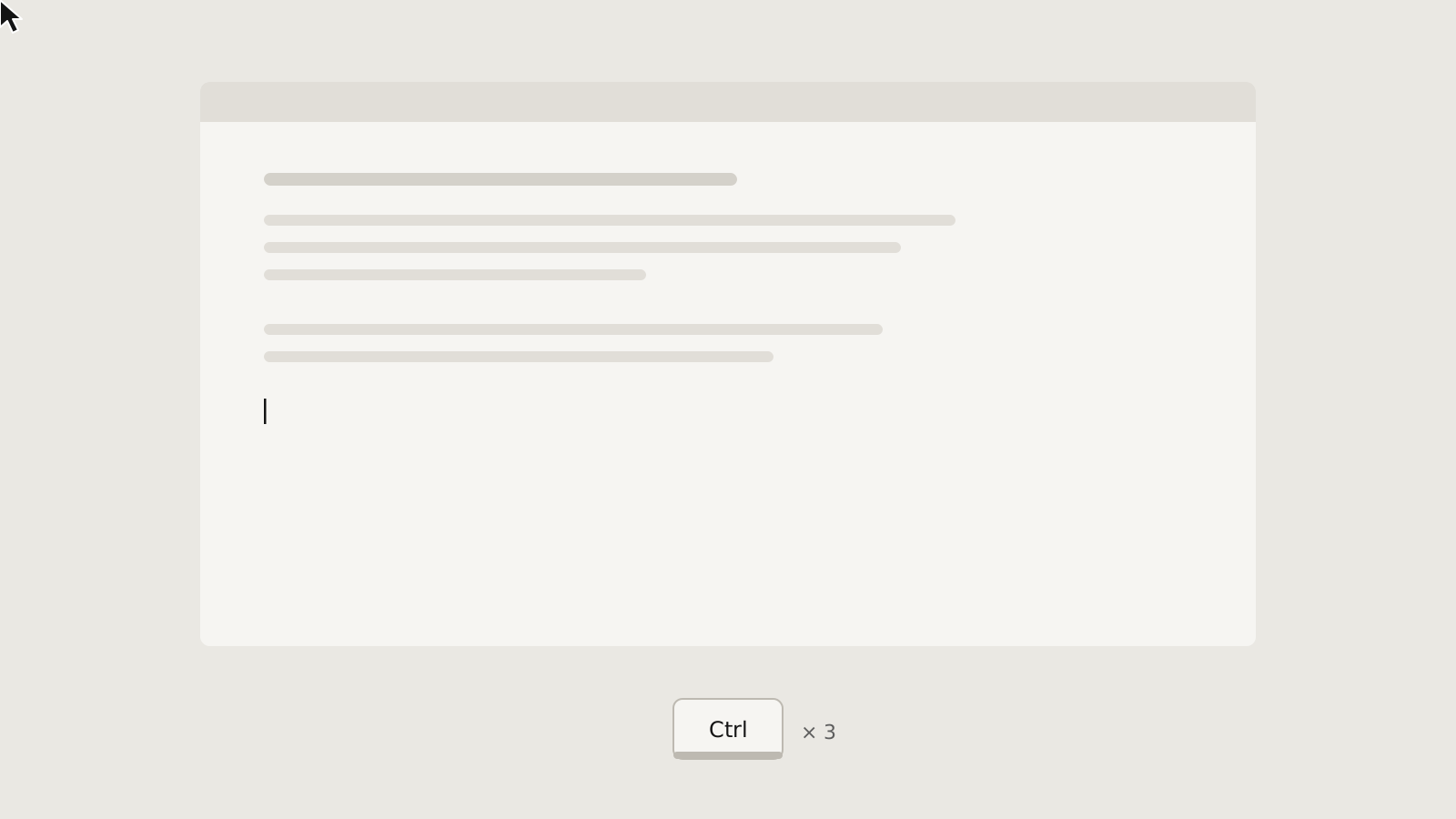
Press Ctrl three times by default, pick from the menu, and it is pasted into the window you came from.
Registered items
Save the text you use often, sort it into folders, and give each item its own hotkey.
History folders
Older history is gathered into numbered folders automatically, so the menu never grows too long.
Viewer
Manage history and registered items in a tree and a list, with search, sorting, image and file-list views, and drag and drop.
Your menus, your keys
Set what the menu holds, the hotkeys (a repeated modifier or a key combination), and what a tray click opens.
Per-app behaviour
Tell it not to record certain windows, among other things. Decide per format whether to keep it and how big it may be.
LAN sharing
Pair with a six-digit code and send to devices you trust over an encrypted connection. Registered items, folders included, can be kept in step between devices. Off by default.
Just drop it in
A single executable: no installer, no configuration file. History and settings live in one database and are restored from backup if it breaks. Light and dark, Japanese / English.
Specs
| Platforms | Windows 10 / 11 (x64 / x86). macOS and Linux versions are in preparation |
| Data location | %LOCALAPPDATA%\CLCLs\data\history.sqlite3 |
| Received over LAN | Text, HTML, RTF, PNG images and file lists (file bodies only for allowed extensions; default limits 16 MiB per file, 64 MiB in total) |
| Languages | Japanese / English |
| License | MIT License |
| Based on | CLCL by Ohno Tomoaki |
Notes
- The first time the window opens, it installs the Windows App SDK runtime it carries (once, no administrator rights needed).
- Registered items from CLCL (.dat) can be imported and exported. CLCL plug-ins (DLLs) are not loaded.